
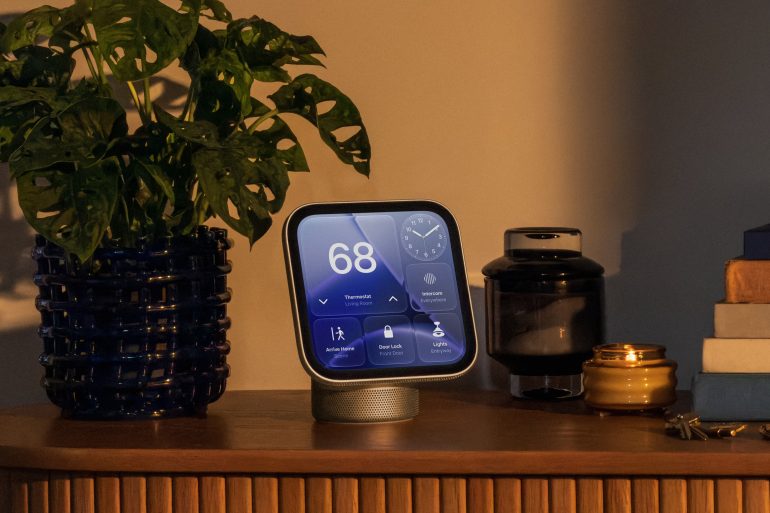
Apple has announced the HomeView, its first smart home display. It’s a 7-inch touchscreen hub with Siri AI, a FaceTime camera, speakers and HomeKit controls, and it comes in two versions: one with a tilting speaker base for a counter or table, and one you can mount on a wall.
Pre-orders are open now at $299 in the US, with availability starting on 13 November. In South Africa, you’ll be able to pre-order both models through Apple Authorised Resellers, with availability also beginning on Friday, 13 November.
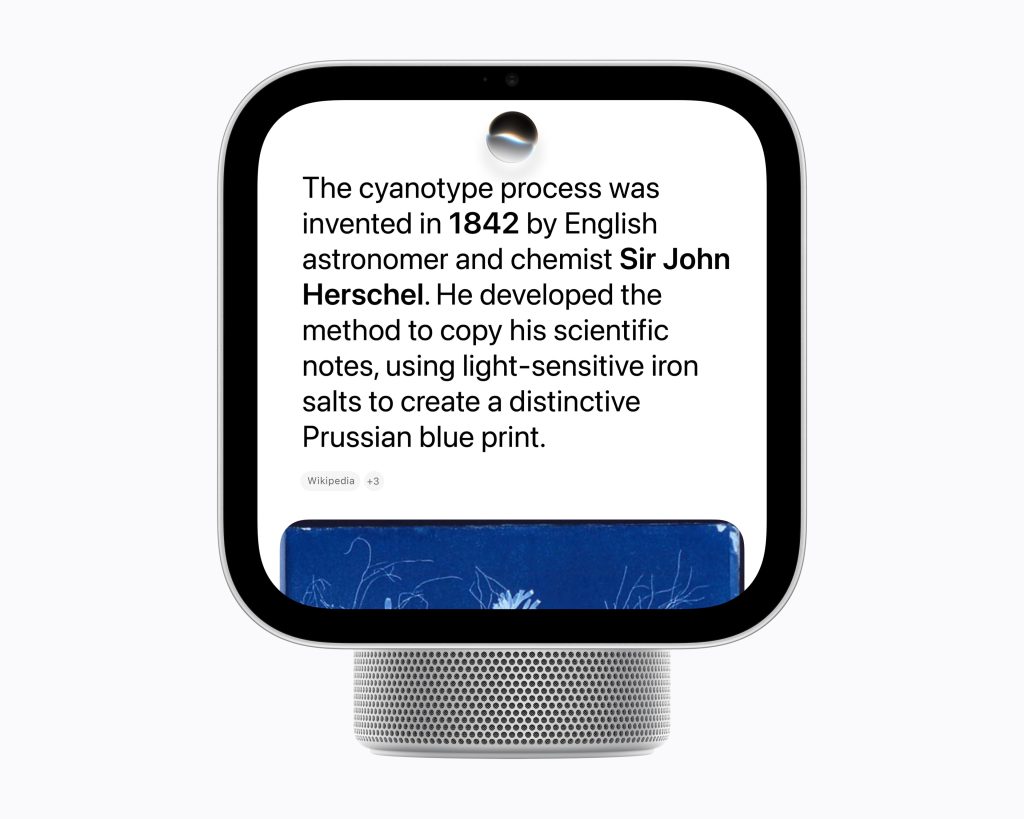
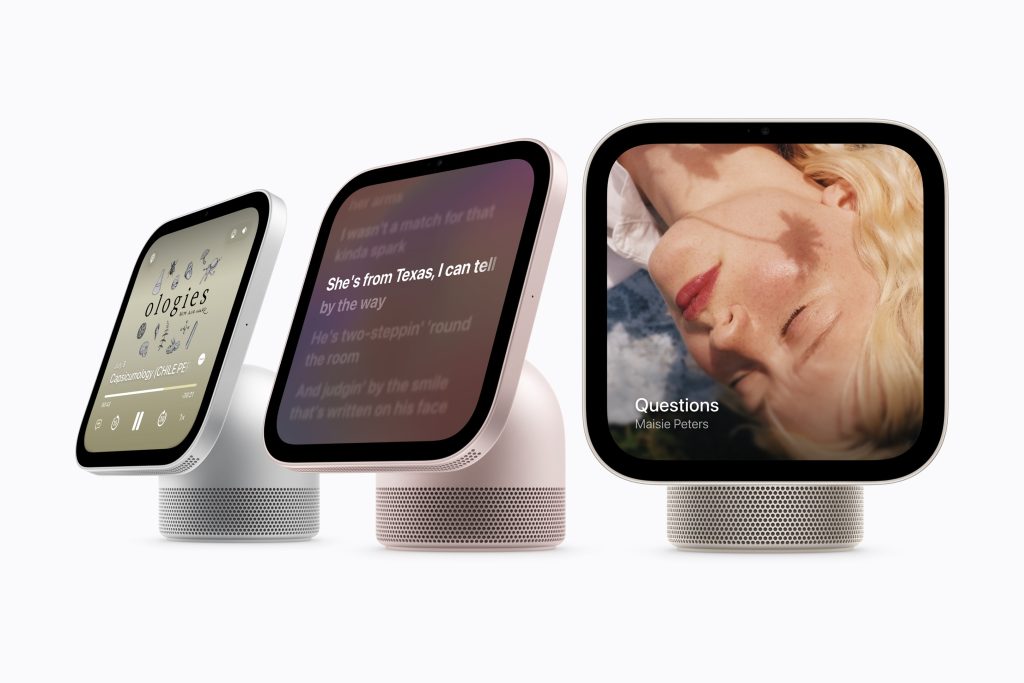
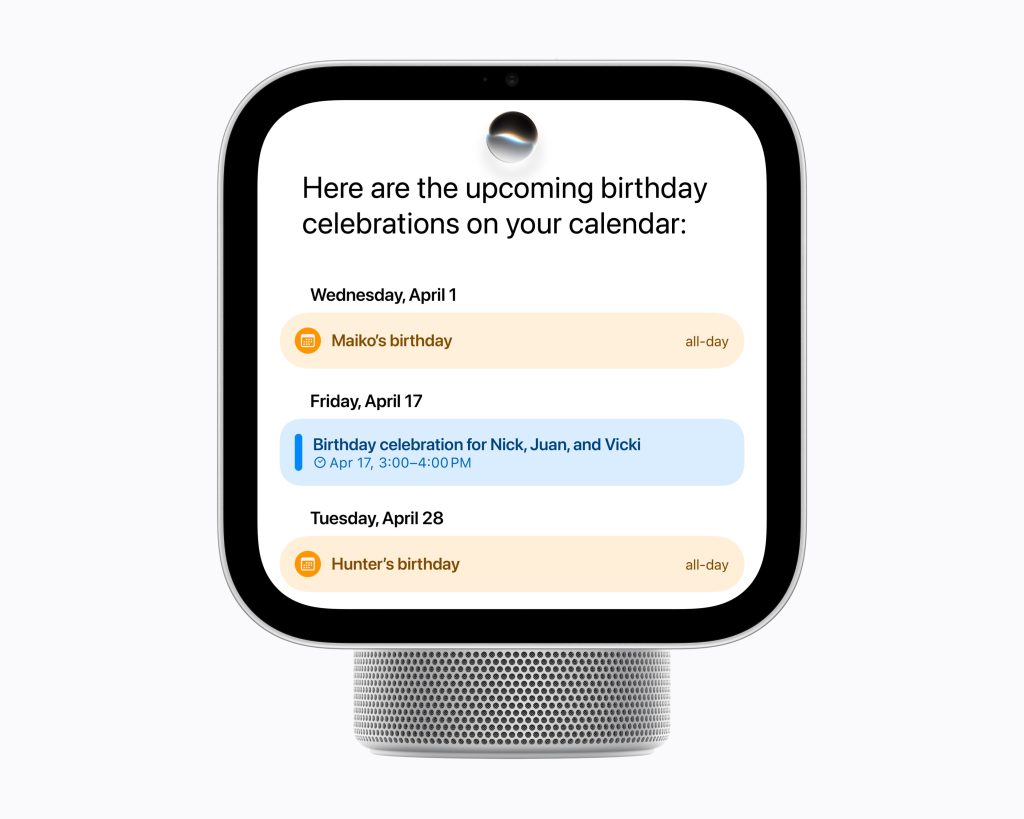
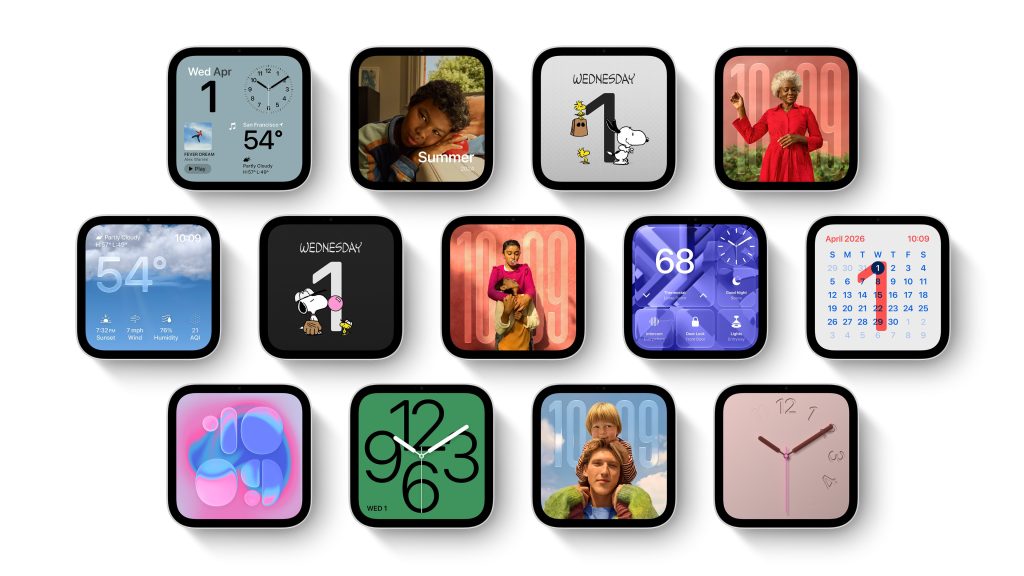
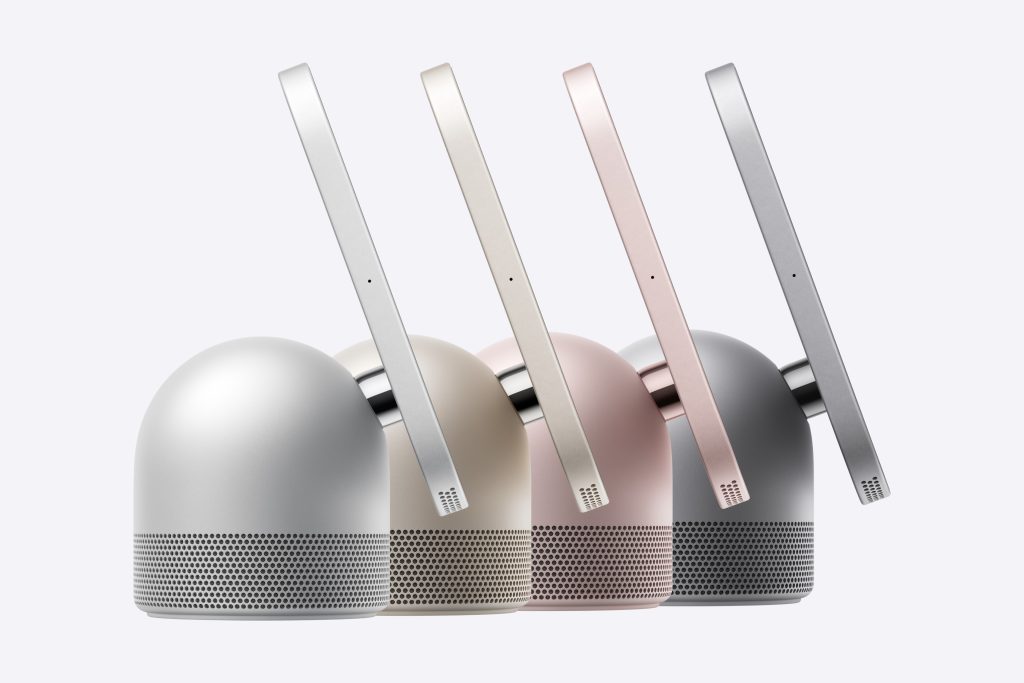
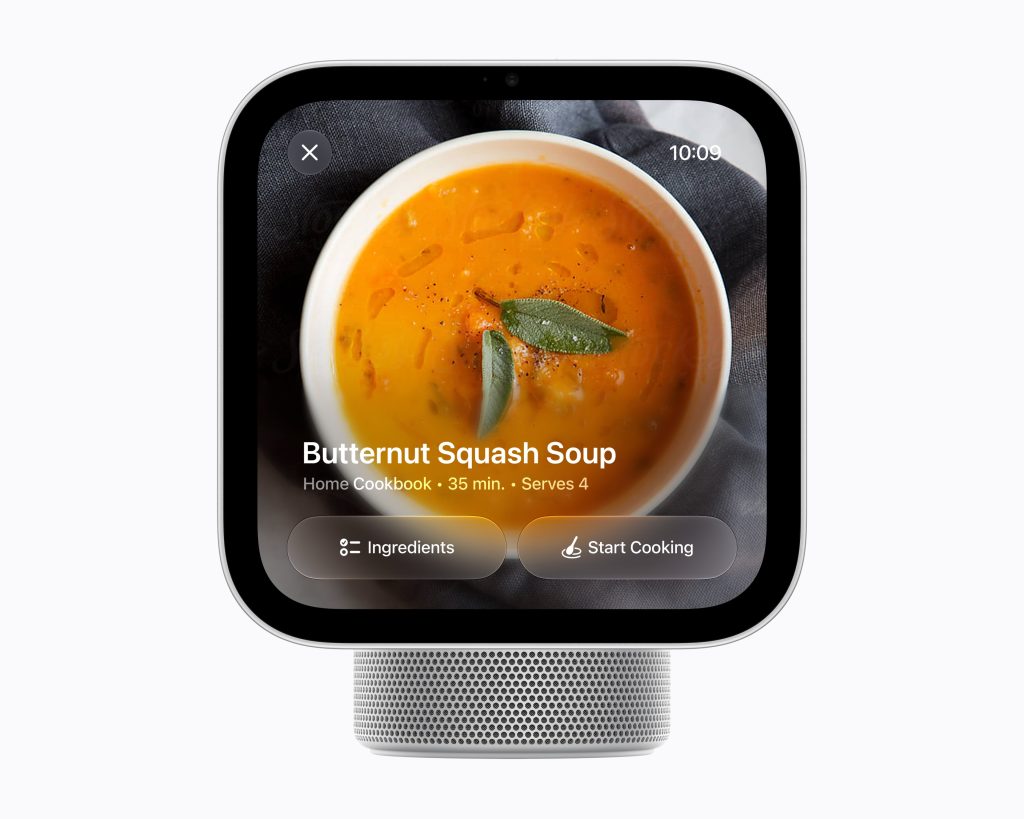
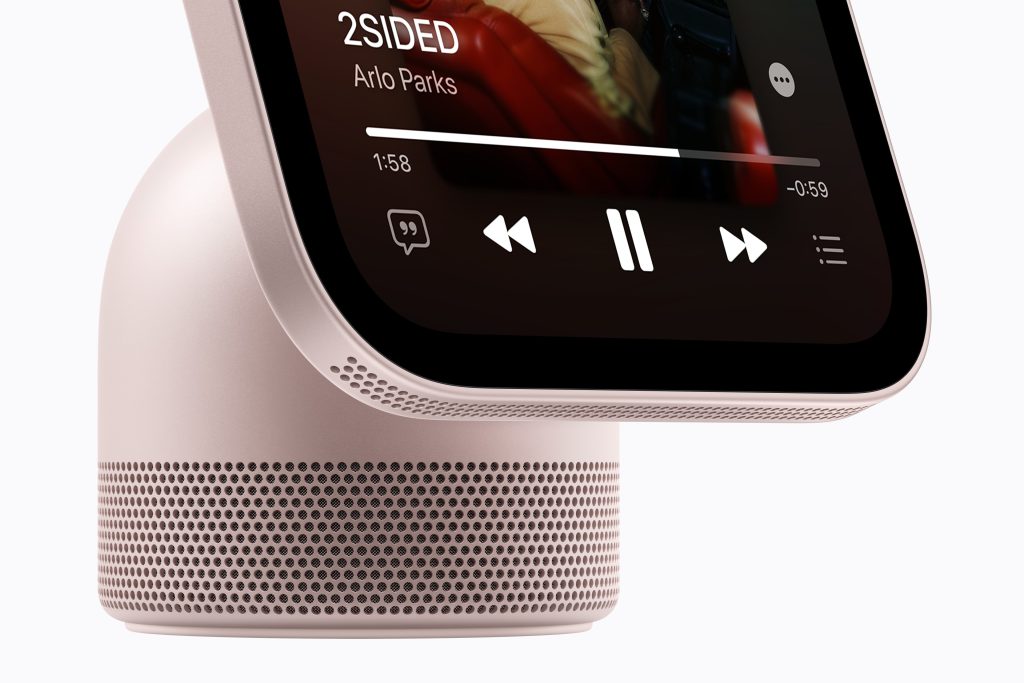
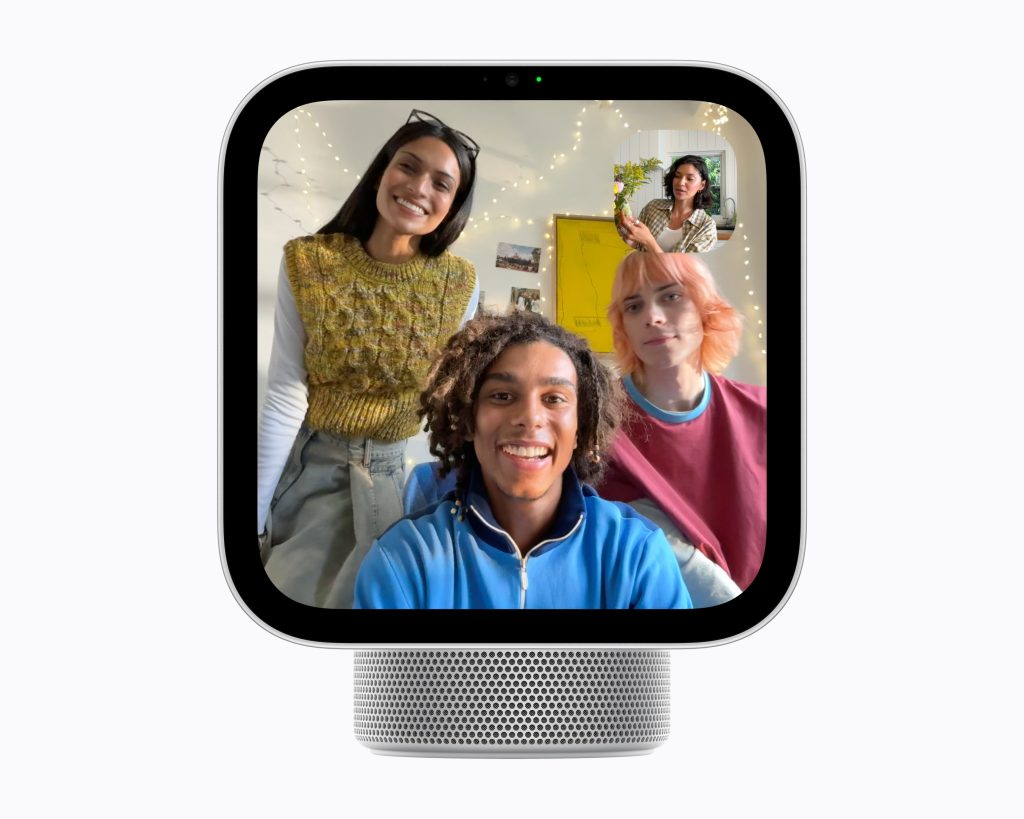
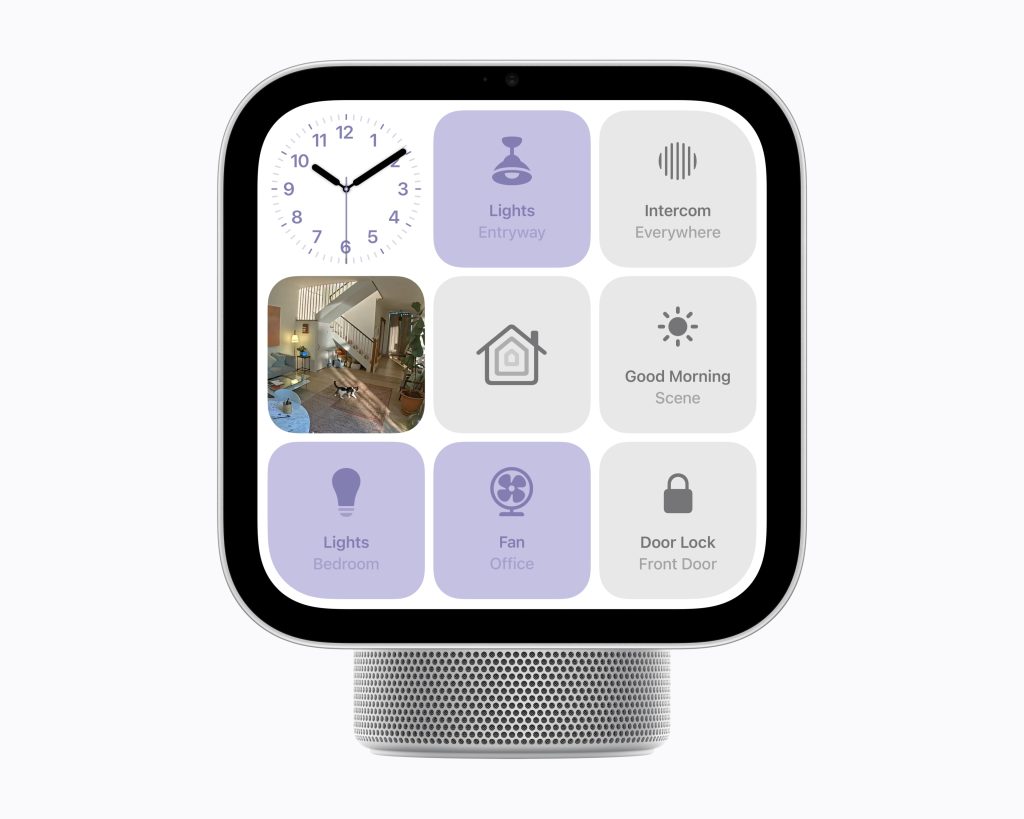
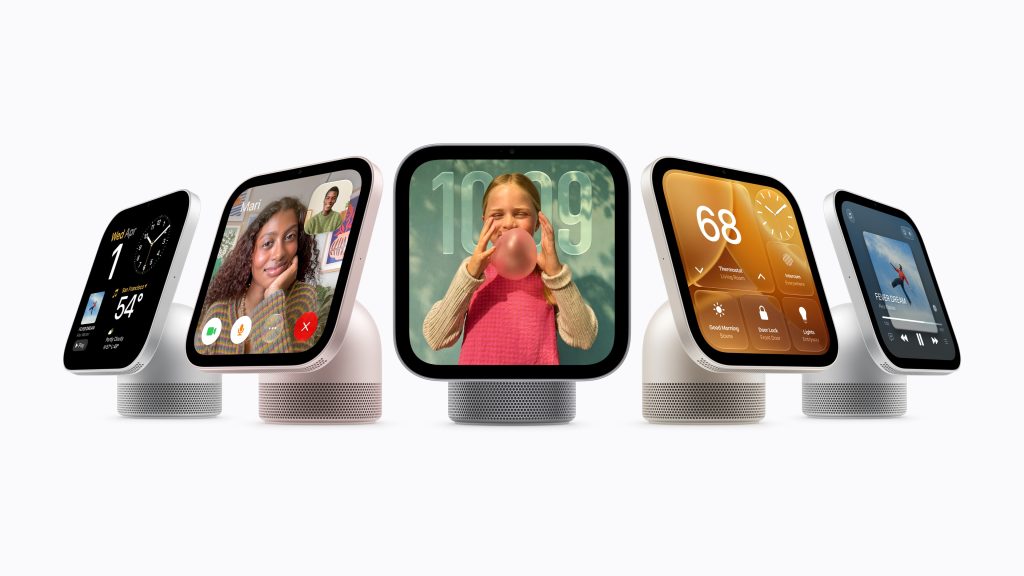
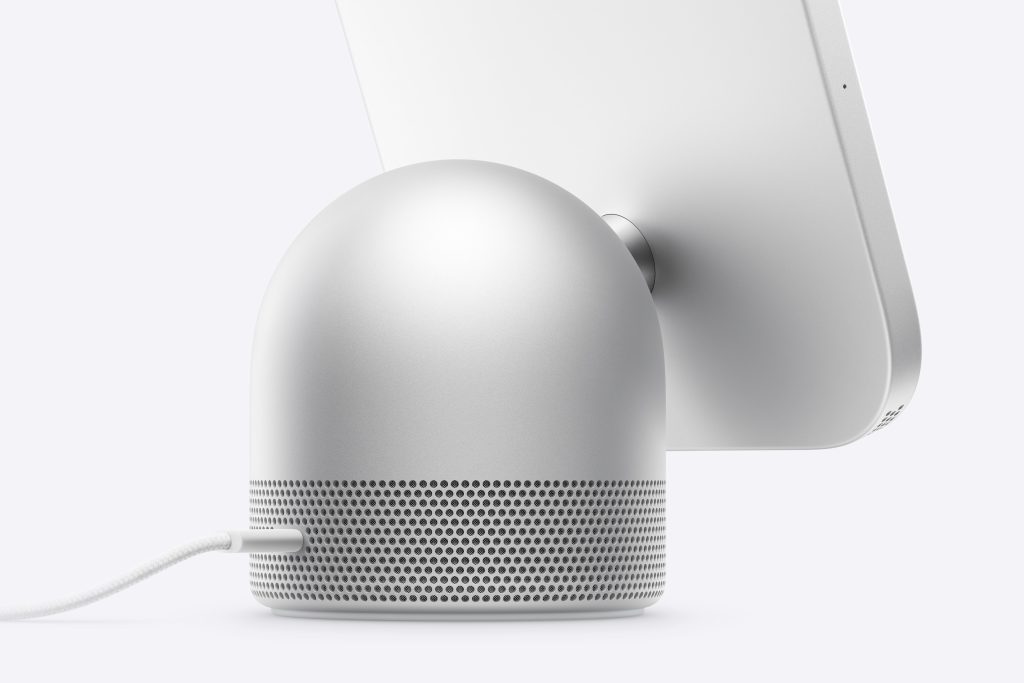
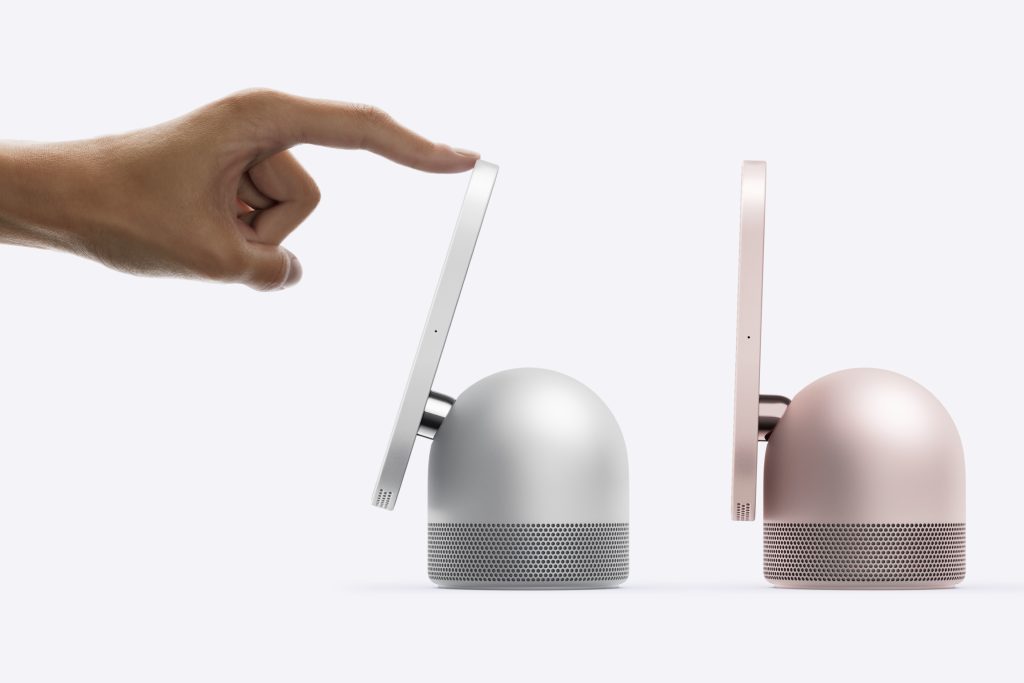
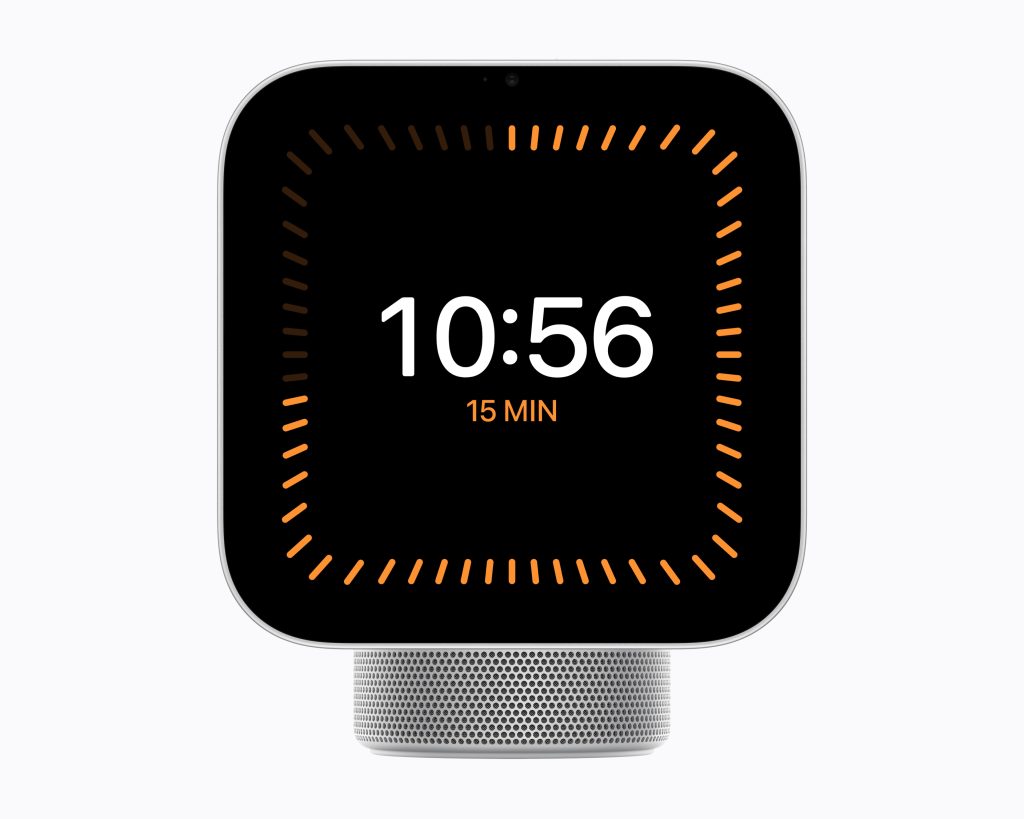
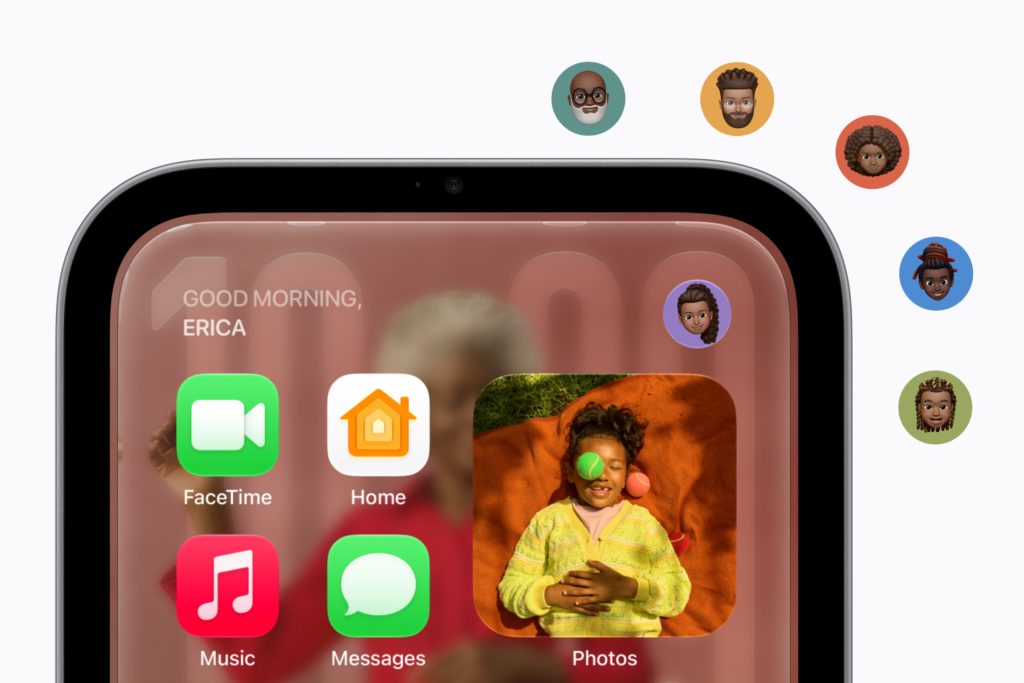
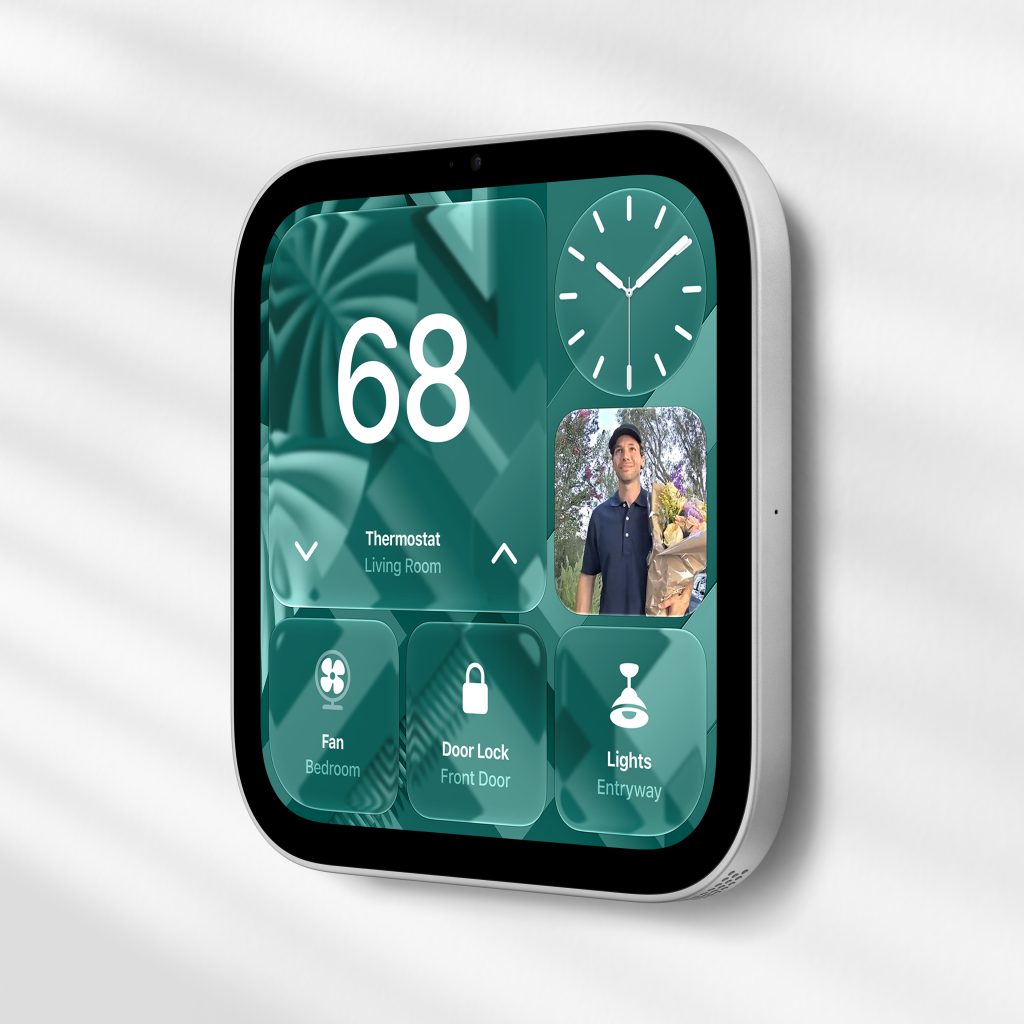
The HomeView isn’t trying to be an iPad. Apple is positioning it as something that lives in your home without demanding attention: a screen for the weather, calendars, camera feeds, music and quick messages, with Siri AI doing most of the work when you’re across the room. The 7-inch display is small enough to feel unobtrusive, and the tilting base suggests Apple expects people to use it at a glance rather than sit down in front of it.
That’s a sensible design choice, but it also raises the obvious question: is 7 inches big enough to actually watch something? They say that size isn’t everything, but in this case it might actually matter. Apple says the HomeView supports Apple TV, Apple Music, Apple Podcasts, Apple News and compatible third-party audio and video apps, so it can play shows and videos. But this isn’t a device you’d choose for a movie night. It’s more like a kitchen screen for a recipe video, a podcast or an episode while you’re cooking.
It’s also a reminder of how fragmented the smart home still is. I’ve written before about whether Apple and LG can fix that, and the HomeView is Apple’s most direct attempt yet to pull its own corner of that mess together.
What apps can you use?
Apple has preloaded the HomeView with a focused set of its own apps, including Calendar, Messages, Photos, FaceTime, Notes, Reminders, Music and Podcasts. You can also use Apple TV, Apple News, Find My and the Home app.
There’s no full App Store on the device. Instead, Apple says HomeView works with “compatible third-party audio and video apps,” which suggests apps will need to be specifically enabled for HomeView rather than simply downloaded from the App Store like they would be on an iPhone or iPad.
That’s a big difference from an iPad. You won’t be installing whatever you like, and the HomeView’s usefulness will depend on which third-party services Apple supports and how well they work on a screen this size. It’s a more controlled, appliance-like approach, which fits the product, but it also means it won’t replace a tablet for most people.
Is it better than a HomePod mini 2?
Apple also announced the HomePod mini 2 at $149. That’s roughly half the price of the HomeView, and if all you want is a small speaker that’s part of the Apple ecosystem and can handle Siri AI, it might be the better buy.
| Device | What it’s good at | What it can’t do |
|---|---|---|
| HomeView | A fixed, shared screen for controls, calls, calendars, cameras and media | Full App Store freedom and comfortable long-form viewing |
| HomePod mini 2 | Voice control, music and a compact smart home hub at a much lower price | Showing calendars, camera feeds or video |
| iPad | A bigger screen, full App Store and more flexible use | Being an always-on, wall-friendly household appliance |
| HomePod | Better sound and a premium Siri speaker | Any screen at all |
A HomePod mini can already control your smart home and play music, but it can’t show you a calendar, camera feed or recipe. The HomeView can. An iPad can do all of that and more, but it isn’t designed to sit on a wall, always listen for the household and switch between people.
So the HomeView sits in an awkward but interesting middle ground. It’s more capable than a speaker, less flexible than an iPad, and it’ll only make sense if Apple has made the everyday stuff feel effortless.
Siri AI isn’t fully there yet
It’s also worth noting that Siri AI isn’t available on the HomePod mini 2 out of the box. Apple says it’ll arrive via a future software update, in English. That’s a bit of a gap if you’re buying the mini 2 specifically for smarter voice features, but it also suggests Apple is still rolling this out across its home devices rather than treating it as a HomeView exclusive.
Privacy and profiles
The HomeView can recognise up to six people and give each of them their own Home Screen, apps and widgets. It can pull in personal content from Messages, FaceTime, Calendar, Reminders and Find My, but only when your paired iPhone or iPad is on the same Wi-Fi network and has recently been unlocked.
That’s a smart safeguard, but it’s still a shared screen in a shared space. If it shows your messages or calendar when you walk past, you’ll want to be sure it’s showing them to you and not to someone else. Apple says the A18 chip uses Secure Enclaves to process camera and microphone feeds separately from the operating system, which is reassuring on paper, but real-world use will be the real test.
Power and data
The HomeView has no built-in battery and needs to stay plugged in. That’s fine in most homes, but in South Africa it’s a real concern. If the power goes out, so does your smart home hub, and Apple hasn’t announced any backup battery option.
Apple also hasn’t said how much data the HomeView will use on your home network. With music streaming, FaceTime calls, photo syncing and up to nine live camera feeds on screen at once, that’s worth knowing before you put one in every room.
It’s an intriguing device, and it’s clearly more than just a HomePod with a screen bolted on. But whether it earns a place in your home will depend on how well Apple handles the things that matter most: privacy between profiles, reliable performance during load shedding and an app selection that’s actually useful on a 7-inch screen.